
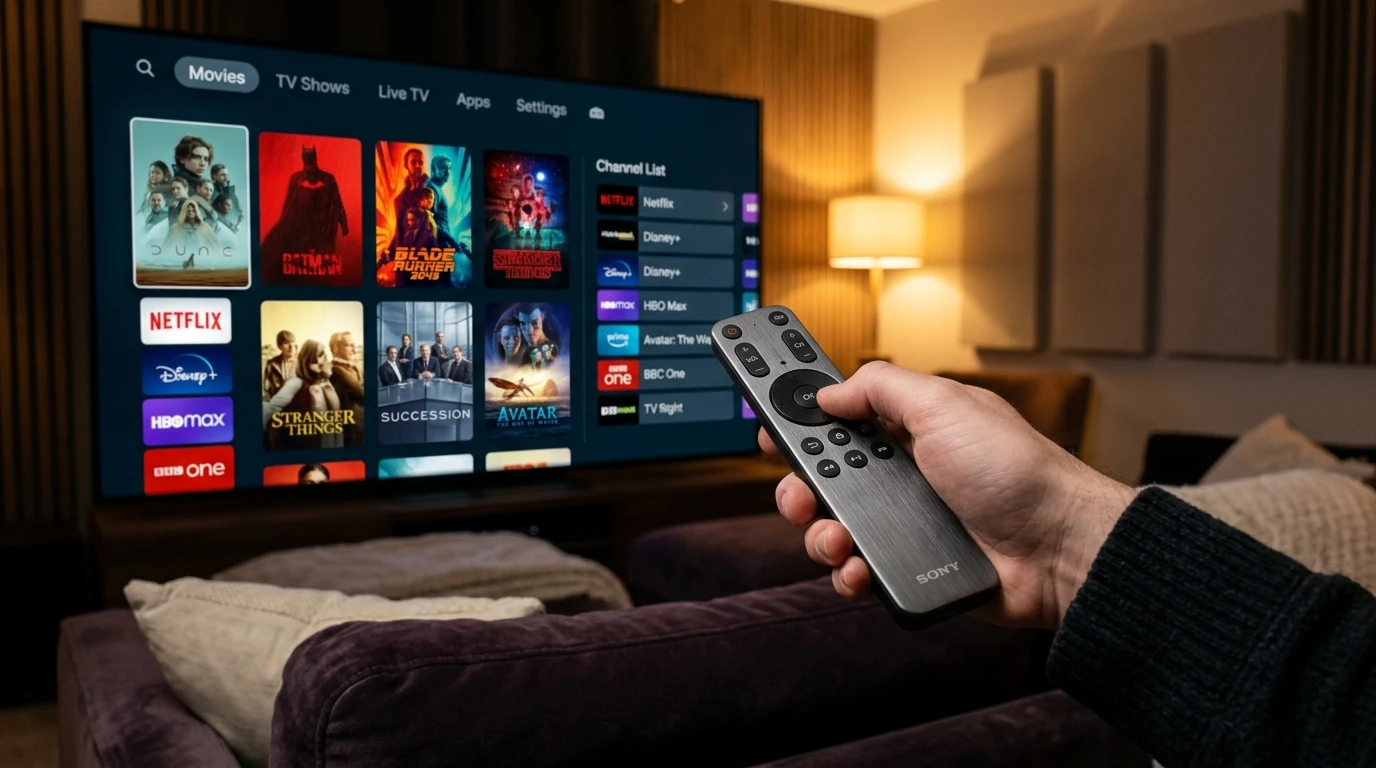
When you subscribe to a top-tier IPTV service like STREAM4K, selecting the proper media player application is just as vital as the quality of the stream servers themselves. The application you choose dictates your daily navigation speed, how quickly your channels zap, how smoothly your Electronic Program Guide (EPG) renders, and whether your 4K HDR video displays with true 60fps fluidity.
With hundreds of player apps circulating on Google Play, Amazon Appstore, LG Content Store, and the web, it can be daunting to identify which software provides the most intuitive and stable experience. In this comprehensive 2026 showdown, our lab team rigorously tested the three undisputed heavyweight contenders: TiviMate IPTV Player, IPTV Smarters Pro, and IBO Player with our STREAM 4K service. Here is how they stack up across performance, interface design, multi-screen functionality, and hardware compatibility.
1. TiviMate IPTV Player (The Gold Standard for Android & Fire TV)
Ask any dedicated home theater aficionado which app they use for live television, and nine times out of ten the answer is TiviMate. Built exclusively for television remote navigation on Android TV, Google TV, and Amazon Fire TV Sticks, TiviMate has earned a legendary reputation for delivering a user interface that rivals—and often exceeds—the polished look of premium satellite set-top boxes like Sky Q or DirecTV.
Key Strengths of TiviMate:
- Astonishingly Fast Channel Zapping: Switching between 1080p and 4K channels takes less than 0.5 seconds on a decent broadband connection with STREAM4K.
- Best-in-Class EPG Guide: TiviMate renders a multi-channel chronological TV guide with instantaneous vertical and horizontal scrolling, program descriptions, and channel previews without lag.
- True Multi-View (Split Screen): Want to watch four Premier League soccer matches or Formula 1 camera angles simultaneously? TiviMate allows you to split your screen into 2, 3, 4, or even 9 concurrent tiles (requires our Multi-Screen STREAM4K Plan).
- Scheduled Cloud & Local Recording: Connect an external USB flash drive to your Firestick or Nvidia Shield and schedule automated recordings of live games or late-night talk shows.
TiviMate Limitations to Consider:
TiviMate is engineered strictly for Android-based television platforms. There is no official native version for Samsung Tizen, LG webOS, or Apple iOS. Furthermore, while the basic version is free, unlocking premium multi-view and custom EPG color features requires an annual or lifetime license through the Google Play Store.
2. IPTV Smarters Pro (The Universal Cross-Platform Champion)
While TiviMate dominates the Android TV niche, IPTV Smarters Pro reigns as the most universally recognized and widely deployed IPTV client on earth. The reason is simple: absolute universal device support. You can install IPTV Smarters Pro on virtually every gadget you own, including Samsung Smart TVs, LG Smart TVs, Windows PCs, Apple Macs, iPhones, iPads, Android smartphones, and Firesticks.
Key Strengths of IPTV Smarters Pro:
- Complete Cross-Platform Continuity: Whether you are watching in your living room on a Samsung OLED, at your office desk on a Windows PC, or commuting on an iPhone, the user interface remains delightfully consistent.
- Native VOD Cinema Organization: IPTV Smarters excels at organizing on-demand entertainment. Movies and series from your STREAM4K subscription are sorted with poster artwork, IMDb ratings, cast lists, trailers, and automatic subtitle synchronizers.
- Built-in Parental Controls: Easily lock specific adult categories, international channels, or PPV sections with a secure 4-digit PIN code to keep family viewing safe.
- Multi-User Account Switcher: If you maintain different playlists or separate logins for family members, Smarters lets you switch between accounts with a single click.
IPTV Smarters Limitations to Consider:
While highly versatile, IPTV Smarters Pro's EPG guide is slightly slower to update on budget smart TVs compared to TiviMate. Its interface design is somewhat more utilitarian, but its plug-and-play simplicity makes it ideal for beginners.
3. IBO Player (The Modern Speed King for Samsung & LG Smart TVs)
For owners of Samsung Smart TVs (running Tizen OS) and LG Smart TVs (running webOS), installing third-party APKs is not possible because both brands use closed proprietary operating systems. In the past, this forced users to purchase an external Amazon Firestick. Today, IBO Player has completely solved this dilemma by offering a blistering fast, dedicated client directly inside the official Samsung Smart Hub and LG Content Store.
Key Strengths of IBO Player:
- Zero Hardware Required on Smart TVs: Download directly onto your TV remote without needing to purchase HDMI dongles, cables, or external streaming boxes.
- Hardware-Accelerated 4K Playback: IBO Player integrates deeply with Samsung and LG picture processing chips, ensuring deep HDR black levels and smooth 60fps playback when connected to STREAM 4K servers.
- Web Portal Playlist Management: Instead of laboriously typing lengthy URLs with your TV remote, you simply visit the IBO Player website on your smartphone or computer, type in your TV's MAC address and Device Key, and upload your playlist credentials in seconds.
- Subtitles & Dual-Audio Switching: Instant one-button access on your remote to select English, Spanish, French, Arabic, or German audio tracks and subtitles on live channels.
IBO Player Limitations to Consider:
IBO Player provides a free 7-day trial, after which a one-time activation fee of approximately €8 ($8.50) is required for lifetime use per device. Given its exceptional stability on Samsung and LG sets, it is an investment well worth every penny.
Comprehensive Feature Matrix: Which App Wins?
To help you make the best decision for your specific television and mobile setup, our engineering team created this head-to-head comparison table:
The Final Verdict: Which App Should You Choose?
Your ultimate choice comes down entirely to which hardware you use to enjoy your STREAM4K subscription:
- If you own an Amazon Fire TV Stick, Google Chromecast, or Android TV: Choose TiviMate without hesitation. It delivers the most luxurious, responsive, and customizable television experience on the market.
- If you watch directly on a Samsung or LG Smart TV without a dongle: Install IBO Player. It is purpose-built to squeeze maximum hardware performance out of Tizen OS and webOS processors.
- If you watch across multiple platforms (PC, iPhone, Android, and TV): Choose IPTV Smarters Pro for seamless account synchronization and effortless navigation anywhere.
Whichever app you select, STREAM4K integrates effortlessly in under two minutes using our automated Xtream Codes API credentials. Visit our Installation Guide for comprehensive video walkthroughs and screenshots for every application.
Experience STREAM4K on Your Favorite App
Get instant login credentials dispatched to your email within 1-5 minutes of placing your order.
Choose Your Subscription PlanRelated Guides & Articles
What Is STREAM4K & How It Works: Complete Guide
Everything you need to know about M3U playlists and modern IPTV.
Best STREAM4K for Live Sports: F1 & Football
How to stream live European football and Formula 1 in 60fps.